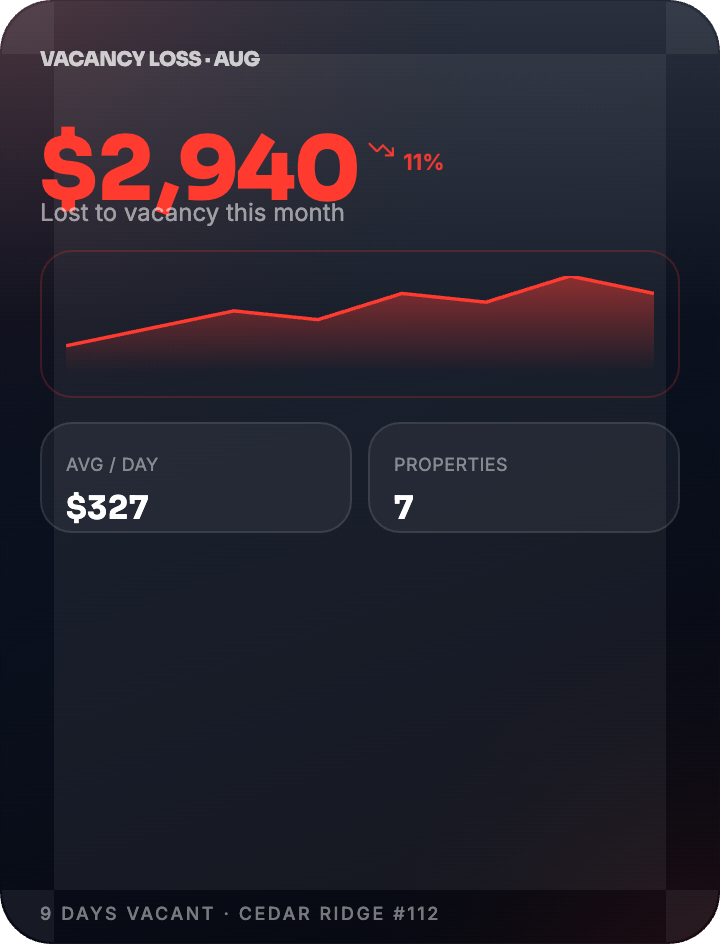
Know the cost of waiting.
A rolling 30-day view of vacancy cost across your property.

HALO FOR PROPERTY MANAGERS
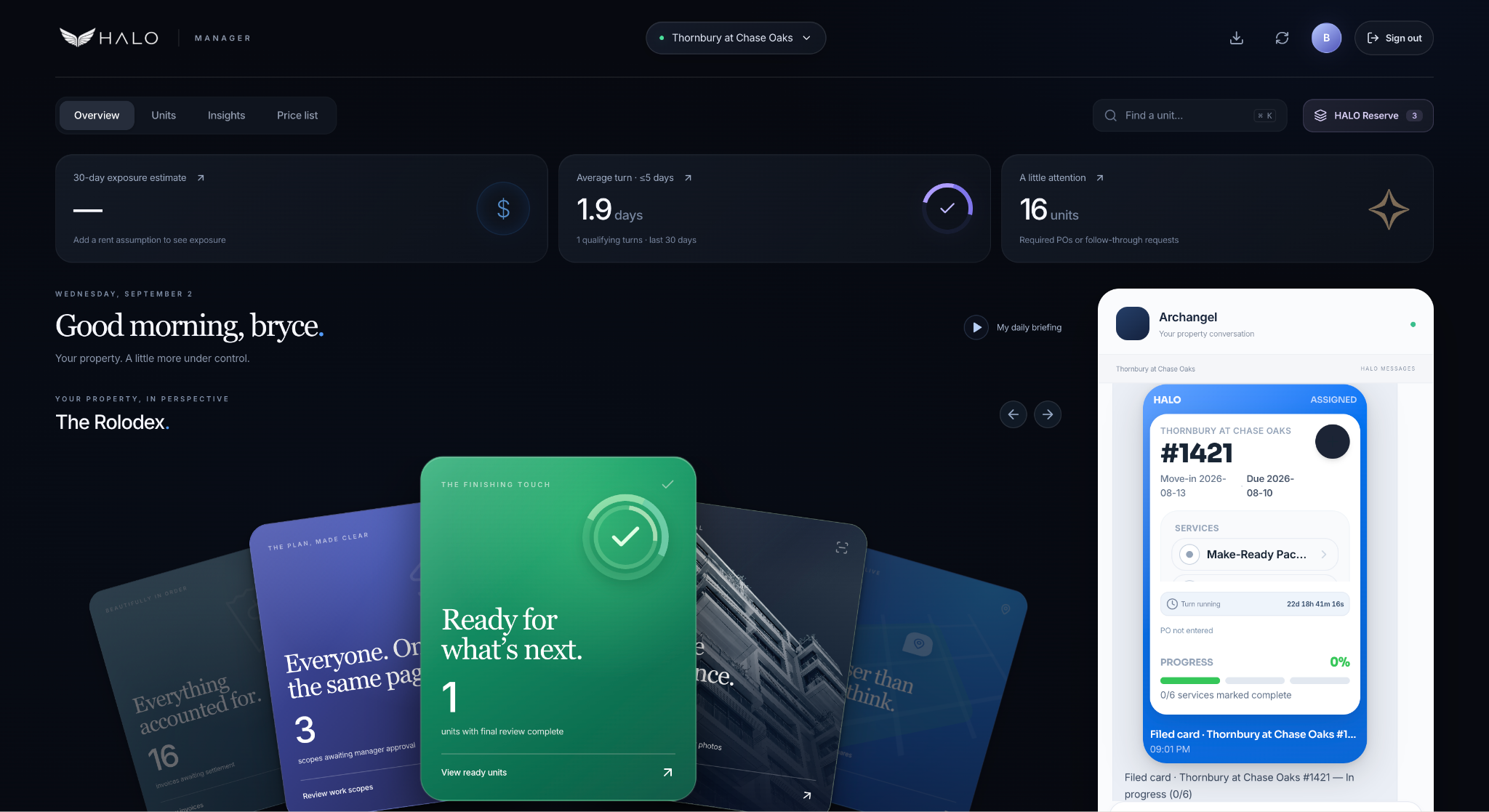
Your units, your team, and your next decision.
One beautifully clear place to keep the day moving.
Powered by HALO. Backed by Archangel Contractors.
FROM THE FIELD · ALLEN, TEXAS
Archangel’s account of the Thornbury engagement shows why shared technology and a dedicated field manager belong together.
Archangel in Action →YOUR DAILY PICTURE
The essentials come forward. The detail is there when you need it.
A rolling 30-day view of vacancy cost across your property.
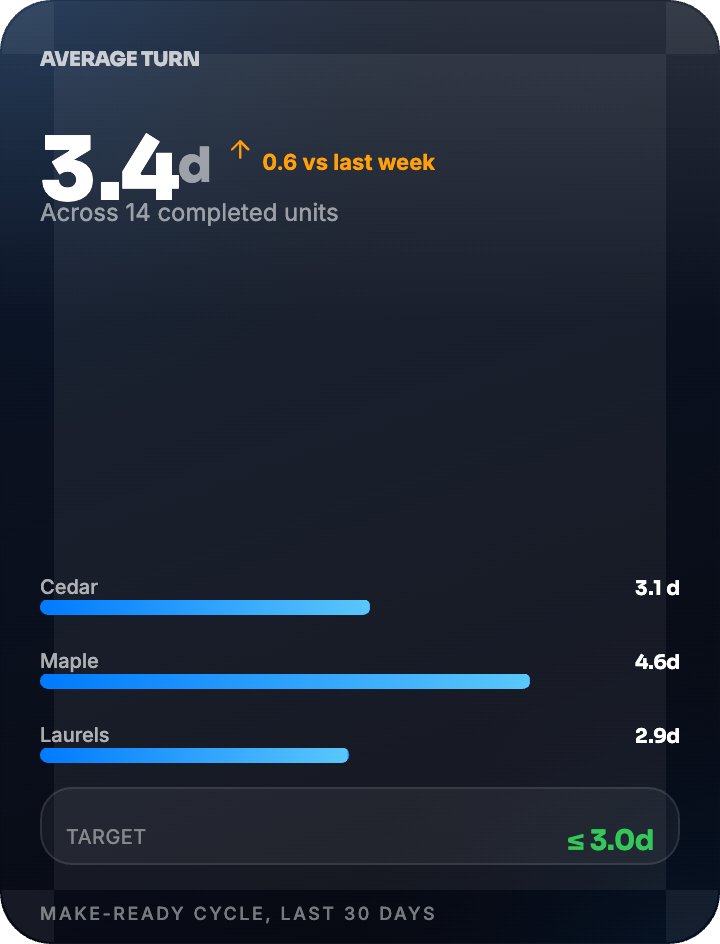
Turn-time visibility tied to actual work start and service completion.
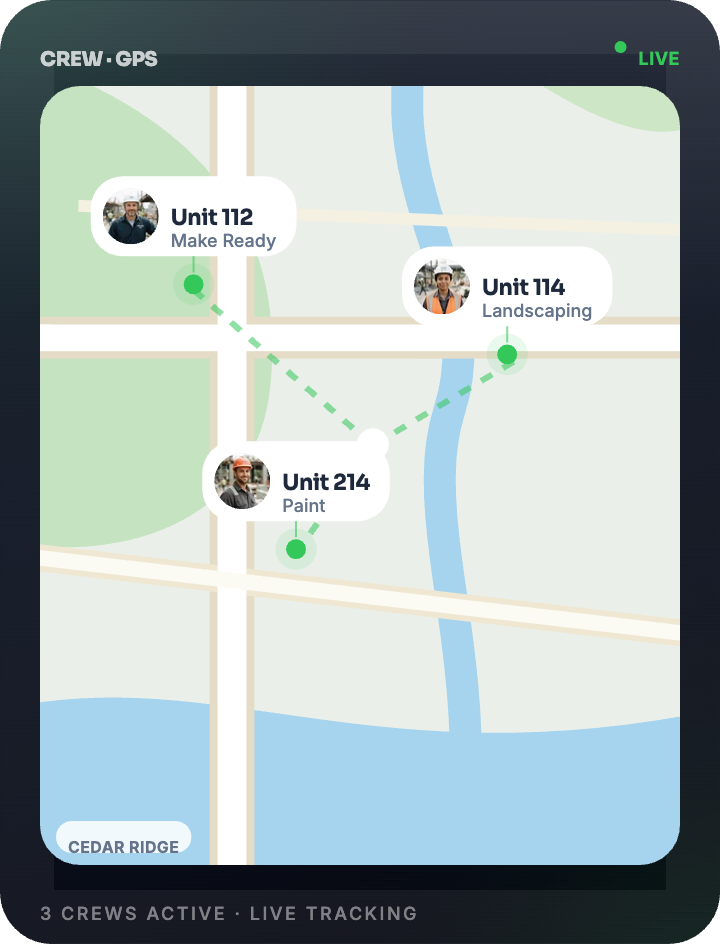
A simple map view puts crew activity into property context.
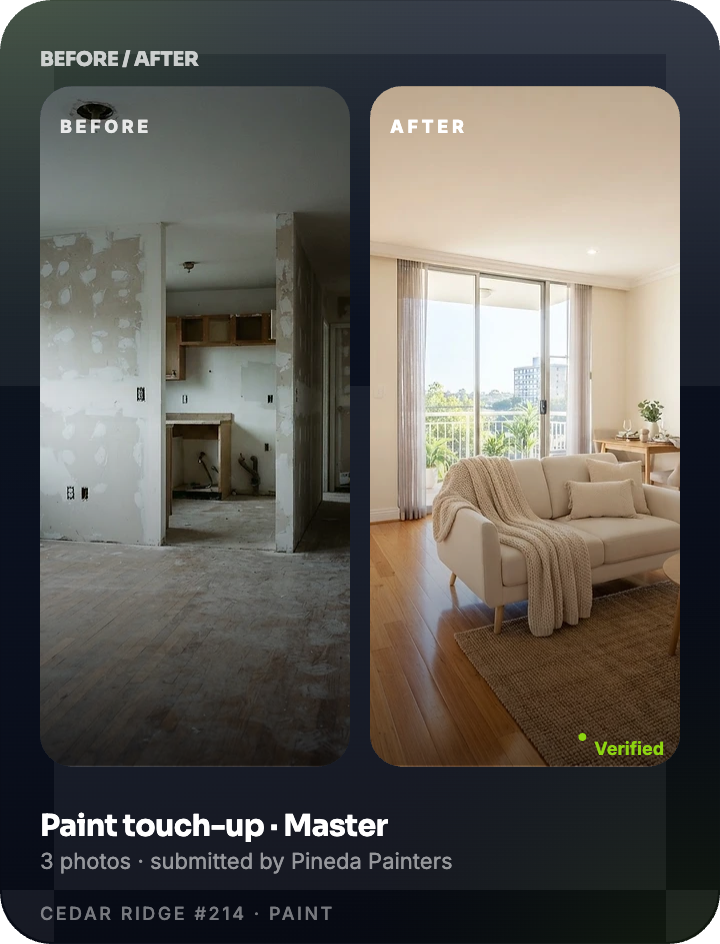
Before-and-after photos bring completed work into focus.
Feature artwork is illustrative. Availability and displayed data depend on your property’s beta setup.
THE SIGNATURE ROLODEX
Open a section. Find your unit. See the same designed cards your back office sees, simplified around what matters to you.
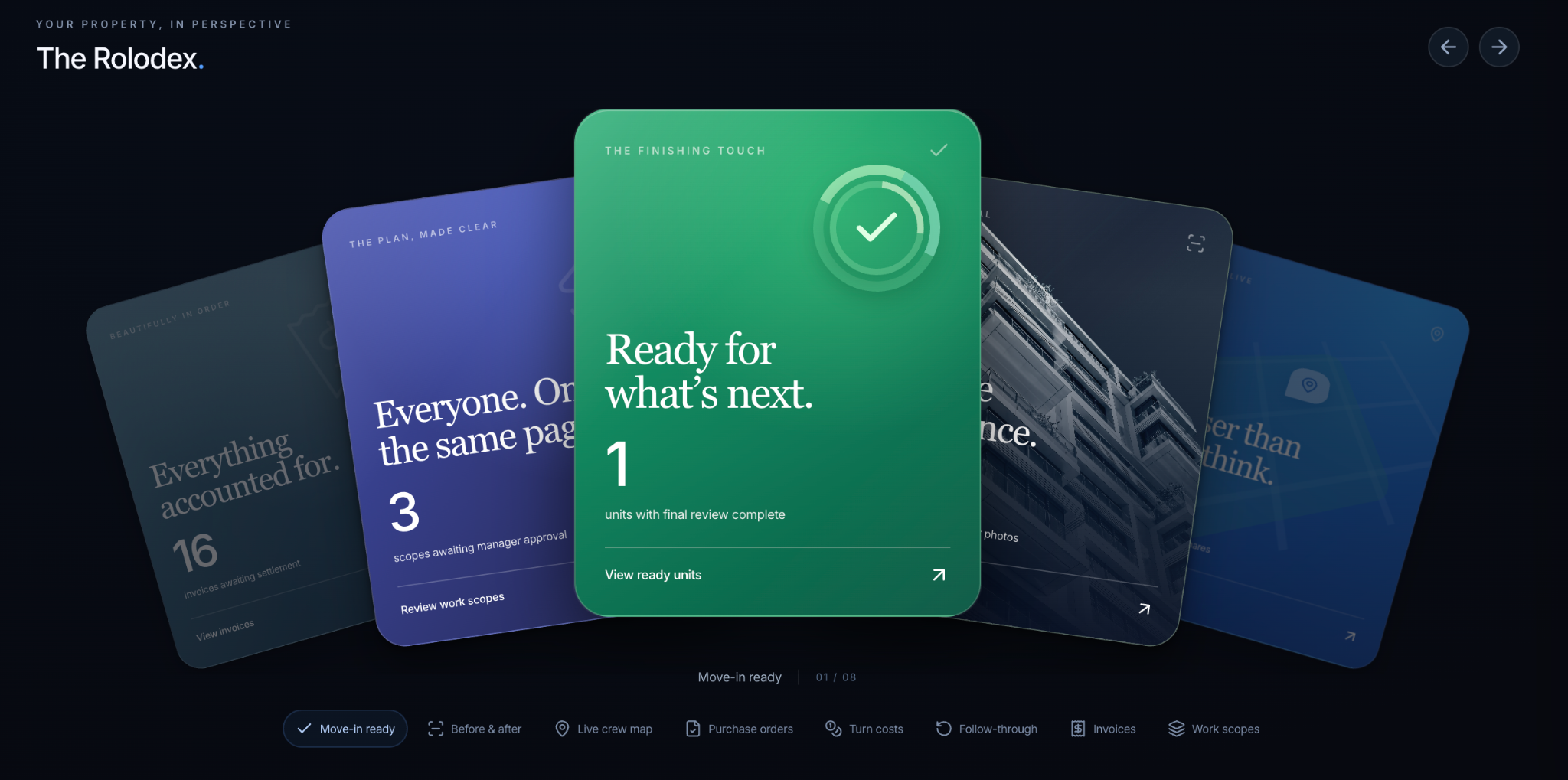
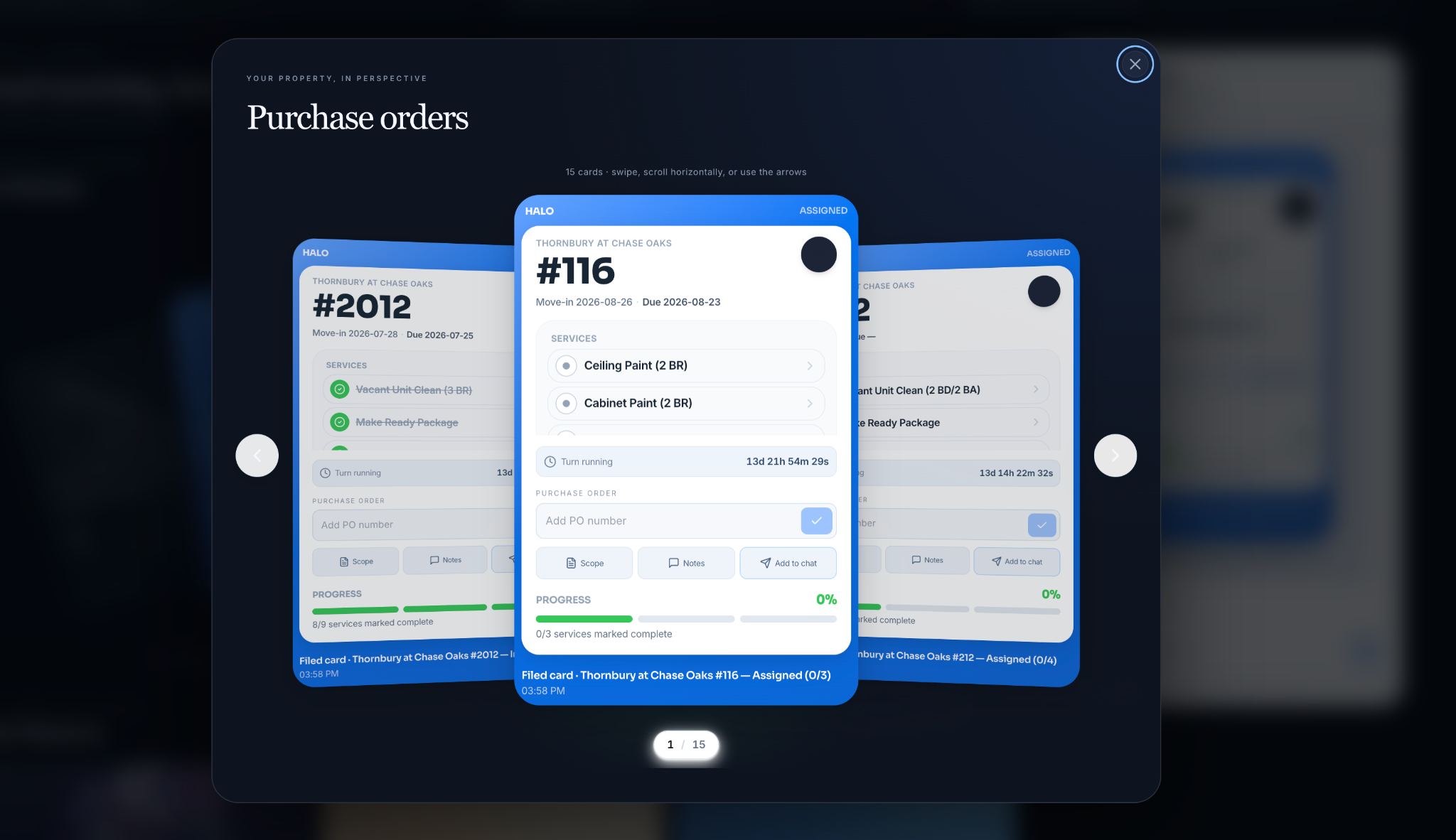
Search the unit and open its fixed-design card.
Completed services, pending work, scope, and the running clock.
PO details, notes, and the conversation stay with the work.
LESS BACK-AND-FORTH
Ask about a unit, review scope, or discuss a change order with Archangel’s back office — with the right card attached.
Enter a PO, add a note, view scope, and bring the unit into chat. Everyone works from the same context.
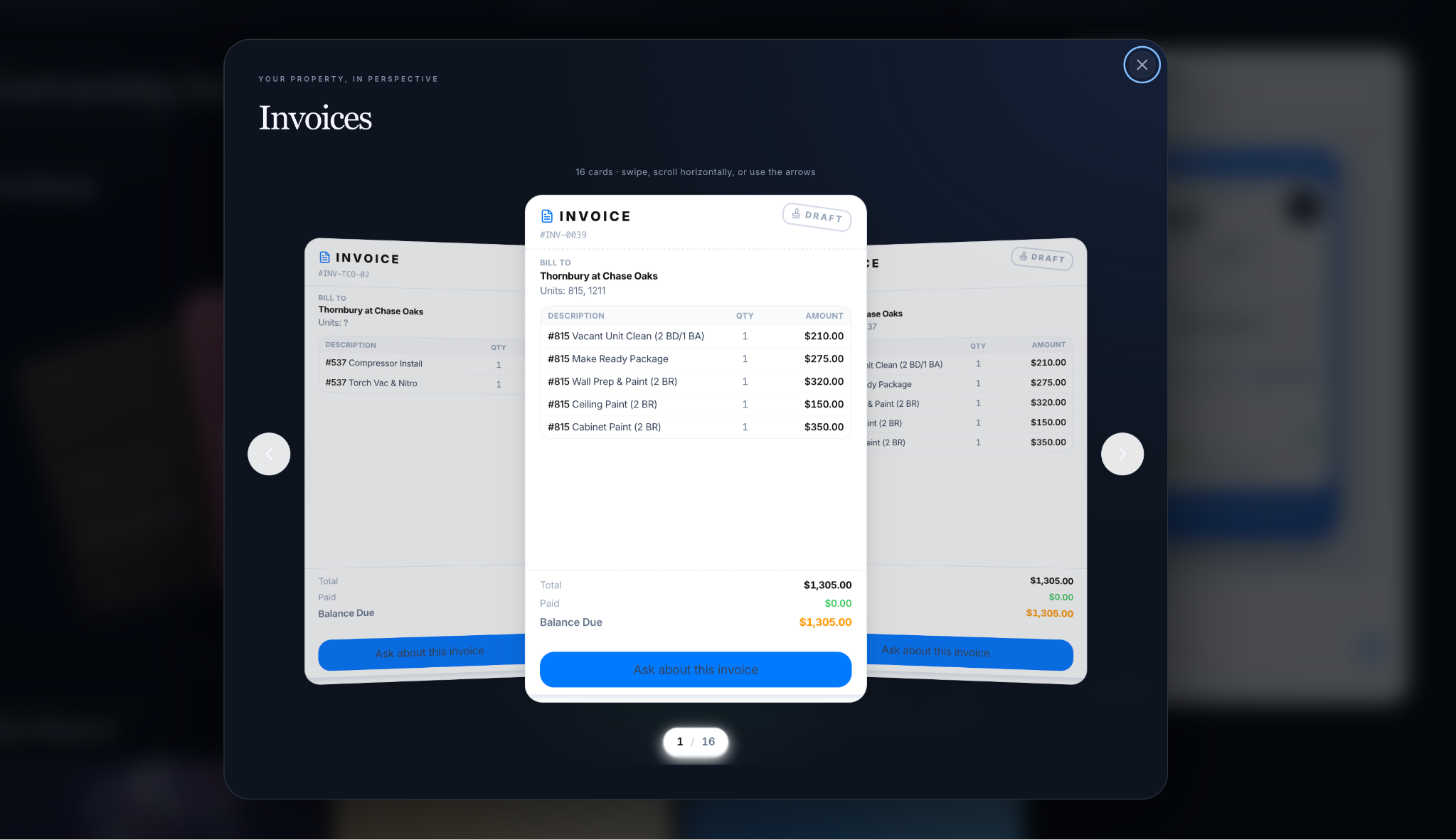
Find invoices in their own designed card view. Keep approvals and billing questions close to the work they belong to.
HALO RESERVE
Three signature cards. Real support from Archangel.
For the days that don’t go according to plan.
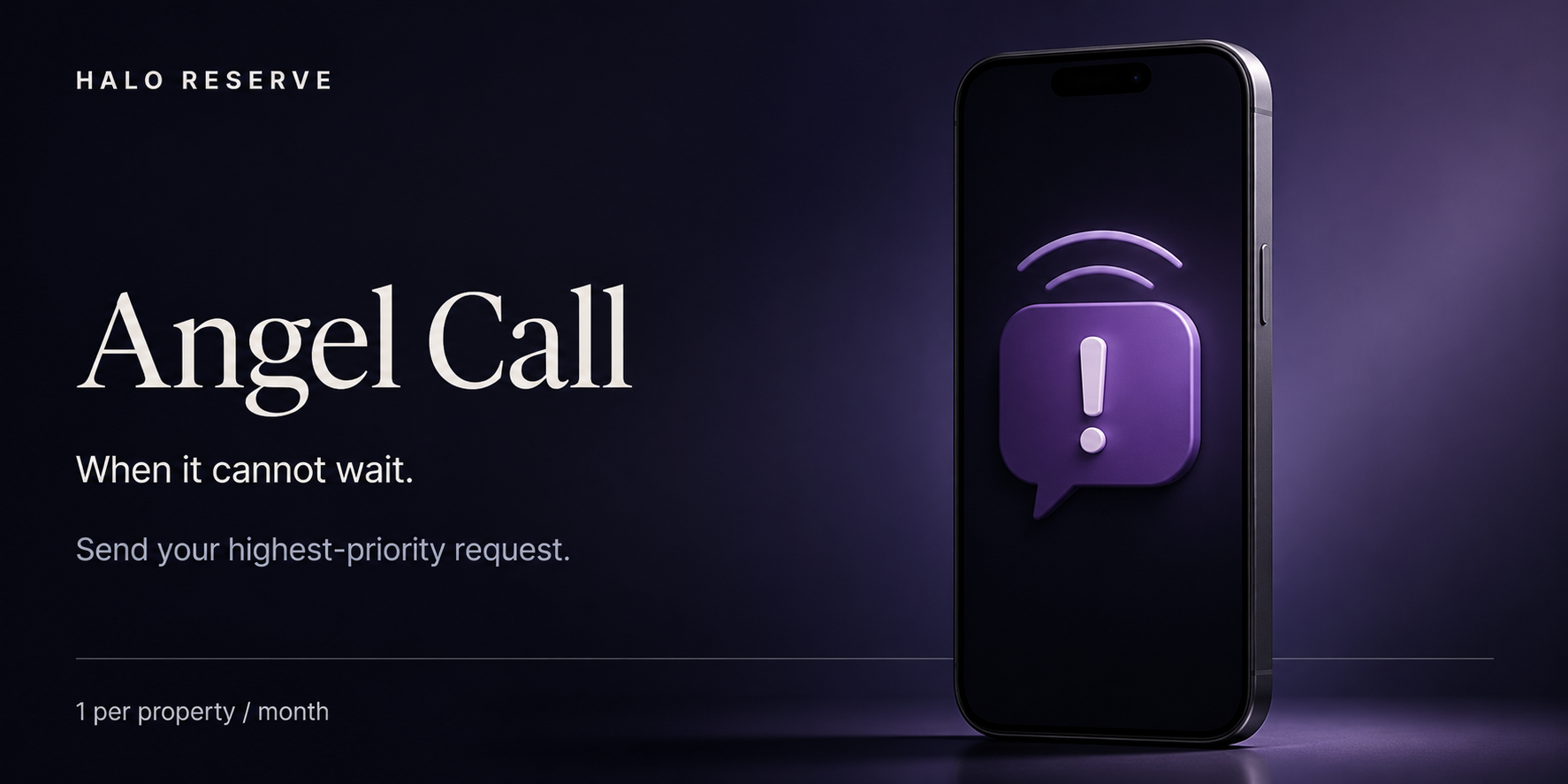
The move-in moved up. Corporate is coming. Send your highest-priority request to Archangel when it cannot wait.
Add the unit, the deadline, and what needs to happen. Keep the response in the same conversation.
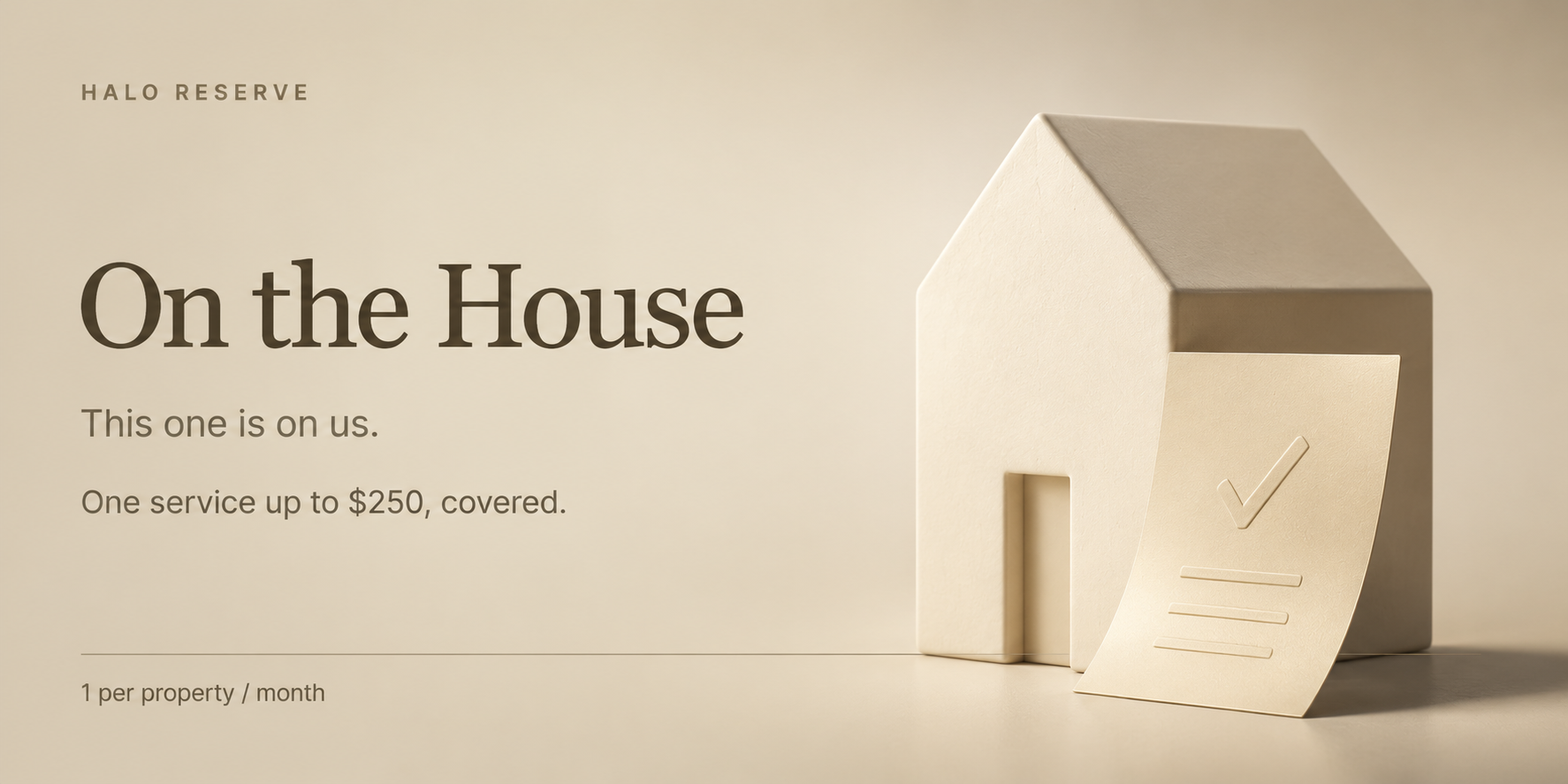
Use up to $250 toward one qualifying service from the list. One service credit, per eligible property, per month.
A useful extra, right when your property needs it. One service. One simple redemption.
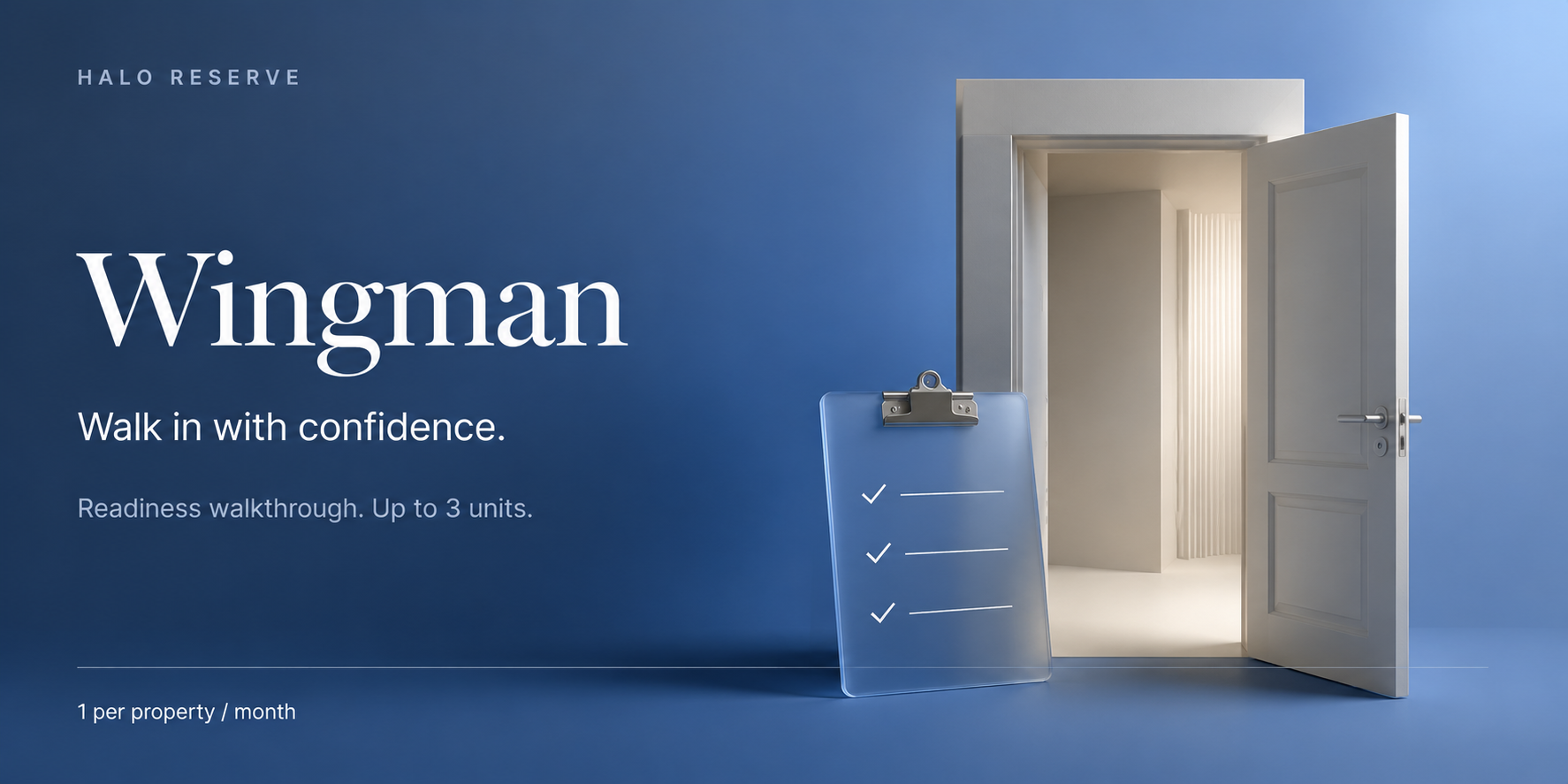
A readiness walkthrough for up to three units. Get another set of eyes before the visit that matters.
Walk in with confidence, with Archangel in your corner.
When any manager uses a card, it locks for the whole property. The countdown shows when it returns — the 1st of the next month.
YOUR PROPERTY, CONNECTED
Start with a beta request. Archangel confirms property access before your team’s information is connected.
Share your work email, company, and property below.
Archangel reviews your request and confirms the right property and role.
Use your approved account in the browser. Install to desktop from a compatible browser when available.
A beta request does not create an account or grant access to property data. Invitations and property access are reviewed separately.
CLEAR BEFORE DAY ONE
What HALO does, where Archangel fits, and what happens after a beta request.
Talk it through in a demo ↗HALO is the technology connecting property managers, field crews, and the back office. Archangel Contractors is the property-services team using it to coordinate delivery. An app account is not a service agreement; scope, staffing, coverage, and pricing are confirmed separately.
Corporate needs visibility into vacancy exposure, work-turn time, and jobs needing attention. The property team needs clear status, approvals, POs, and unit-linked messages. Both views are built around the same work, so managers can spend less time chasing updates and more time helping residents.
Explore the vacancy-day calculator →Vendor teams can request access for review. Participation, available workflows, and the properties they can work with must be confirmed during onboarding. A request does not grant access to any property or make a vendor an Archangel employee.
Vendor? Request access →The Thornbury engagement used fixed, flat-rate pricing for agreed work. Ask Archangel to confirm current service coverage, a written scope and price list, and any beta or platform charges for your property before committing. Beta registration alone does not purchase services.
Discuss pricing and availability ↗The website records your interest and displays a receipt. Property access is a separate process inside HALO: create or sign in to your account, verify your email, and submit a property-access request. Archangel reviews it and confirms your property relationship before access can be approved. The website form does not automatically create an account, send an invitation, or grant access.
For eligible properties, Angel Call submits a priority request to Archangel; On the House applies up to $250 toward one qualifying service; and Wingman requests a readiness walkthrough for up to three units. Each card is usable once per property per month—not once per manager. Once redeemed, that card locks for everyone on the property until the 1st of the following month. Eligibility and activation are confirmed during onboarding.
A priority request is not confirmation of a completion deadline. Use your property’s established emergency procedures for immediate safety issues.
Approved users can open HALO in a browser. Where supported, the browser’s install option adds HALO as a desktop app. Sign in with the same account. Installation does not grant additional access, and an internet connection is needed for current job information.
Work-turn time runs from the actual field-work start event to the last completed service—not the age of a stale dispatch card. Rework is tracked through dispatch sign-off. The five-day qualified view must be read alongside excluded or incomplete records; it is not an uncapped portfolio average. Vacancy exposure is an estimate based on rent and vacant days, not a guarantee of recovered revenue.
Read the measurement definitions →Signing up is separate from property approval. Managers request access to specific properties; authorized back-office staff review the request. Once connected, use the unit’s conversation for work questions and scope discussions. Bring onboarding questions to the demo conversation. Read the Privacy notice and Terms linked below, and confirm the applicable agreement before sharing sensitive information.
LET’S MAKE THE DAY BETTER
Register to be a beta tester today.
Help shape HALO Manager around the real rhythm of your property. Tell us who you are and where you work. Archangel will review your request.
Request property manager access
Your details are used to review and respond to this beta request.
Ready to request property access? Create your HALO account, verify your email, and submit the property request inside your workspace. Archangel reviews access separately. This receipt is not an approval or an invitation.
Create an account to request access →Already registered? Sign in to your workspace. No property information is shared until access is approved.